Can ai image to image perchance use your photo?

Perchance hosts different generators, so the first question is whether the one you opened accepts an image upload. Some work from text alone. If you want to transform a particular photo, keep that distinction in mind before writing a long prompt.

Use a photo you have permission to edit
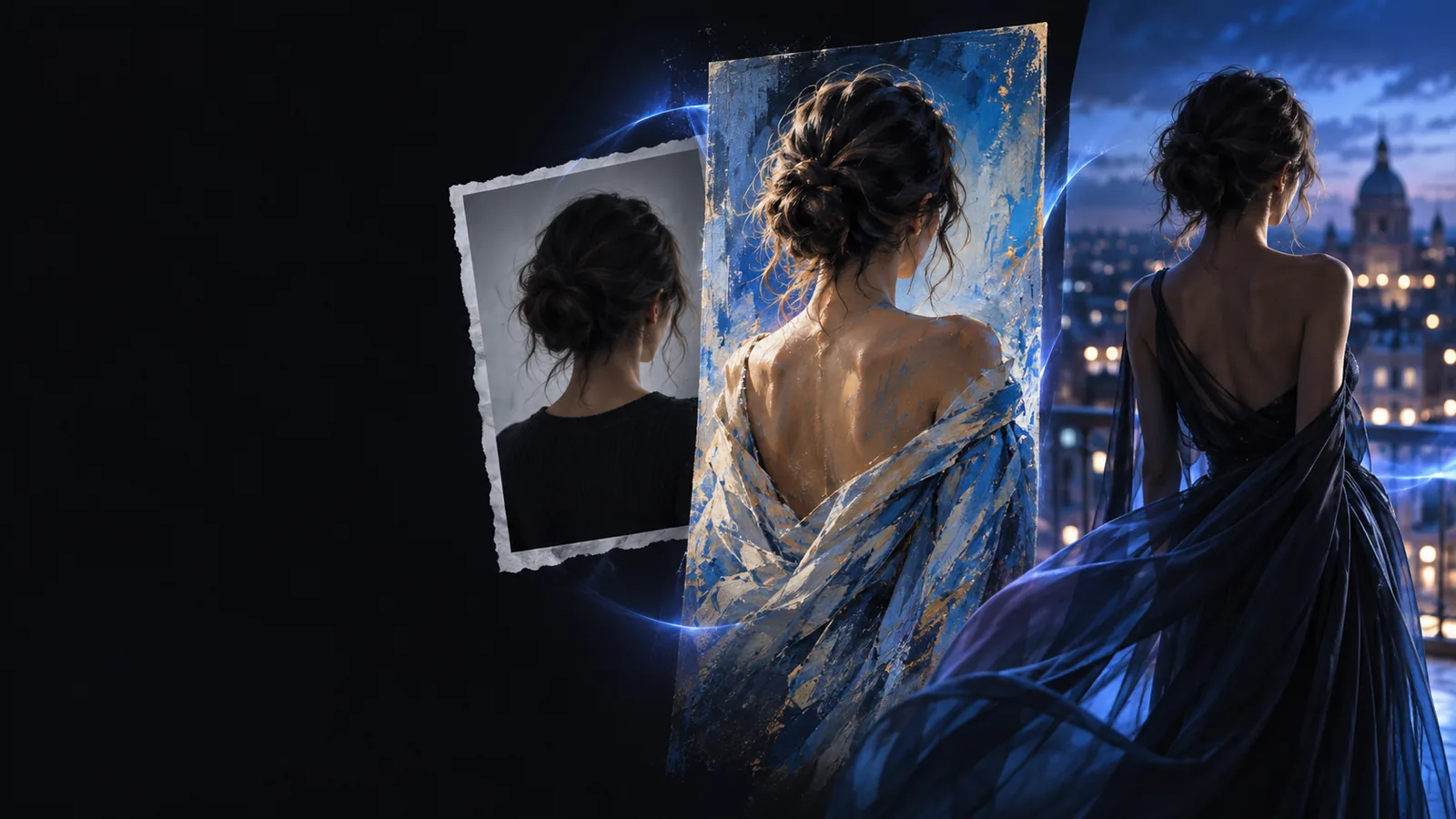
Example image transformation shown in a framed media panel

Prerequisites

Have your source image and a short description of the desired change ready. Then check the controls on the specific Perchance generator rather than assuming every generator has the same inputs.

A Perchance generator with an upload control

1

Worth testing when the generator explicitly accepts a reference image.

  • You can provide the source directly if its controls allow it.
  • A prompt can specify what to preserve and what to change.
  • Upload support and the image’s influence depend on that generator.
  • A reference input does not guarantee an exact edit.

A text-only Perchance generator

2

Useful for a new interpretation, not a dependable edit of your photo.

  • You can describe the subject, composition and style in words.
  • It works when no image upload is available.
  • It cannot inspect details that exist only in your source image.
  • Describing a face or product may produce a different identity.

A dedicated image-to-image tool

3

Choose this when retaining visible details of the original matters.

  • The workflow starts with an existing image.
  • You can request a targeted change while naming details to keep.
  • Results still need checking against the original.
  • Fine lettering and small objects may change unexpectedly.

One full run-through

For ai image to image perchance, open your chosen generator and look for a source-image or reference upload. If it exists, add your photo, request one change, generate a result, and compare it with the original. If it does not, switch tools rather than treating a text description as an upload.

Options table

Match the route to what must survive from the source. In any ai image to image workflow, a prompt is more useful when it separates the details to preserve from the changes you want.

Choose this when

The selected Perchance generator shows an image-upload or reference control.

Upload a permitted source image and try a narrow prompt: keep the subject and camera angle, but change the background to a garden.

You can judge whether that particular generator follows the reference. If it changes the subject too much, simplify the request or use a tool built around source images.

Choose this when

The selected generator offers only a text prompt.

Describe the scene if a fresh, similar-looking picture is acceptable; do not expect it to reproduce an unseen photo.

Without access to the original pixels, it has no reliable way to retain a specific face, product label or small composition detail.

Choose this when

You need the original photo to remain recognizable.

Use an image-to-image workflow: supply the photo, state the one change you want, and explicitly list what should stay.

This gives the tool a visual starting point, though you should still inspect identity, hands, text and edges in the result.
What fails

Keep the source in the workflow

A text-only generator cannot transform a photo it never receives. Even with an upload, asking for many changes at once makes it harder to tell which instruction caused a mismatch. Start with one visible edit, compare the output with your source, and revise the prompt if an important detail drifts. To work directly from an existing picture, try the image-to-image route.

Transform my image
  • Check for an upload control before prompting.
  • Name both the change and the details to keep.
  • Review the result before using it elsewhere.

FAQ

It depends on the specific Perchance generator you open. Look for an image-upload or reference-image control; if there is none, that generator cannot directly use your photo as its input.

A reference may guide a generator without locking the subject, framing or fine details. Ask for one change at a time and say which features must stay; if identity or precise layout is essential, check each result closely.

A text-only generator can make a new image from your description, but it cannot see details you have not supplied. Expect an interpretation of the scene rather than a faithful edit or copy of the original.

Describe the source subject, one requested change and the features to preserve. For example, request a new garden background while keeping the person’s pose and the original framing, then inspect whether the output followed both parts.

No. Perchance is a collection of generators whose available inputs can differ, while a dedicated image-to-image workflow is organized around providing a source image. Choose based on the controls you can actually see and how closely the result must follow your photo.

Start creating
Start creating