Portrait maker
Start with a portrait and keep the face framing while exploring a different illustrated look.
For a character-focused result, convert image to ai avatar explains how a portrait becomes a stylized avatar.
convert image to ai avatarReference-led creation
If you are asking “how can I generate an image similar to another image?”, begin with a reference you have permission to use. Tell Ai Image To Image which features should stay recognizable and which should change, then compare the result with the original.
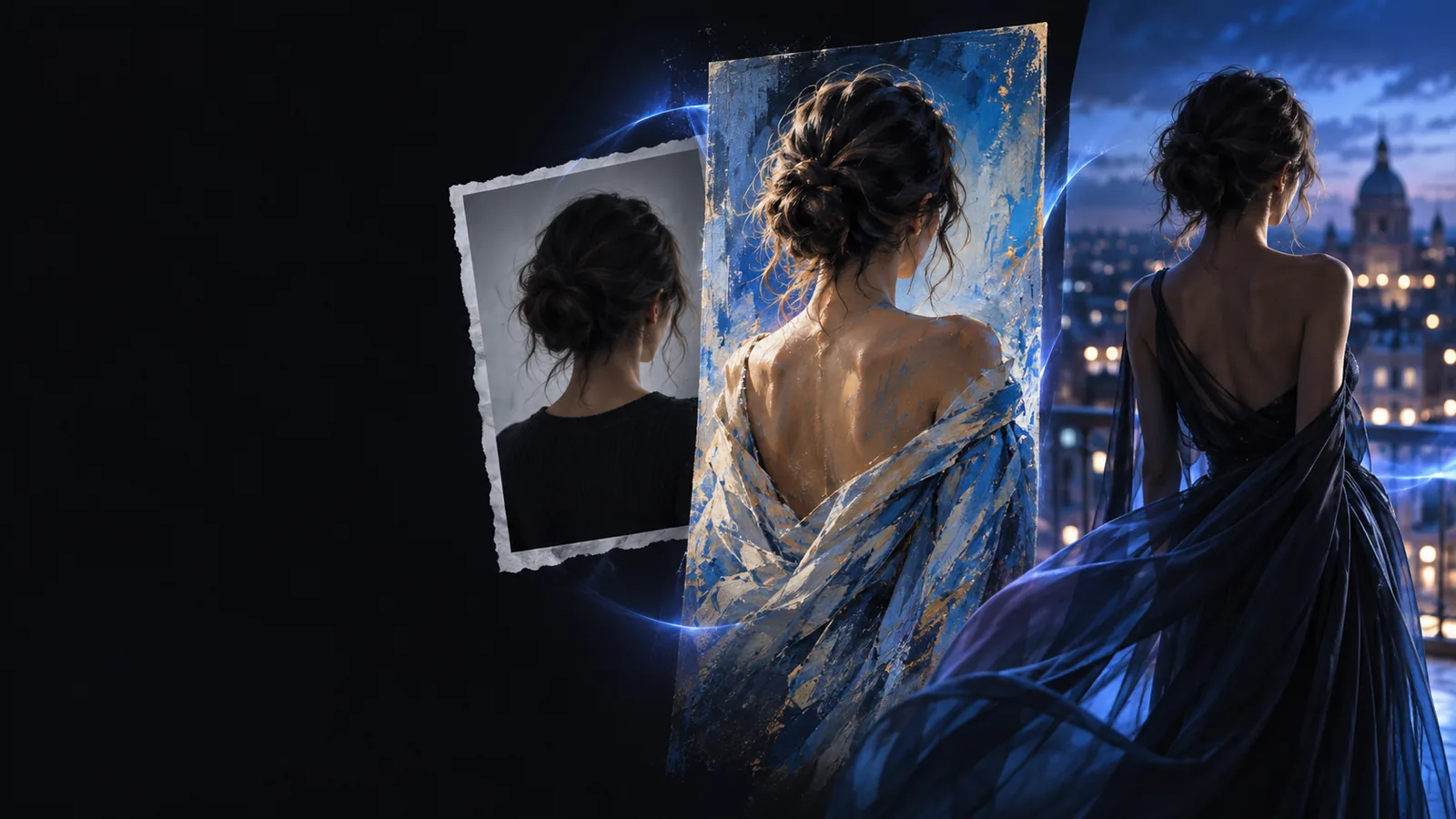
A useful similar image keeps the structure that matters without treating every pixel in the reference as an instruction.
Subject
Reference image
Shows the original person's, object's, or scene's visible features.
Generated variation
May retain the main subject while changing incidental details.
Composition
Reference image
Fixes the original crop, viewpoint, and subject placement.
Generated variation
Can follow that arrangement, though edges and spacing may shift.
Color
Reference image
Contains the source palette and its actual lighting.
Generated variation
Can echo the palette or follow a requested lighting change.
Background
Reference image
Contains the existing location and surrounding objects.
Generated variation
Can replace the setting while retaining the subject's position.
Fine detail
Reference image
Preserves exact text, textures, and small shapes.
Generated variation
May redraw or misread text, patterns, and small accessories.
Best use
Reference image
Acts as the visual reference and comparison baseline.
Generated variation
Provides a new draft to inspect, revise, and select.
A reference guides generation; it does not lock every detail. Inspect the result closely if identity, lettering, or a product's exact shape matters.
 Reference
Variation
Reference
Variation
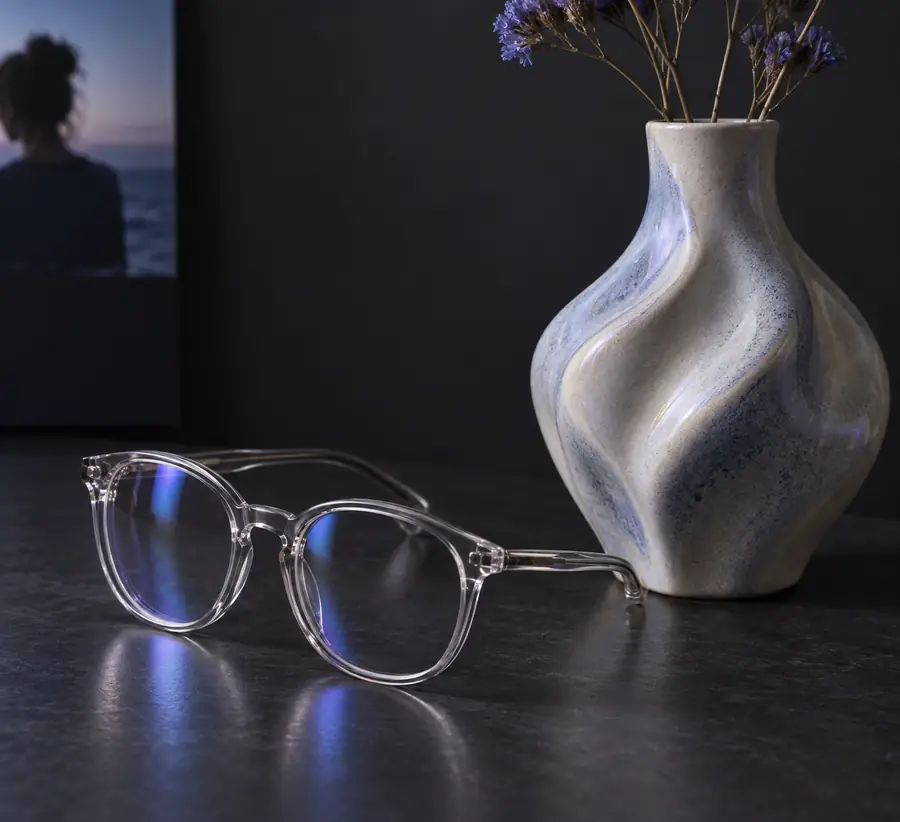
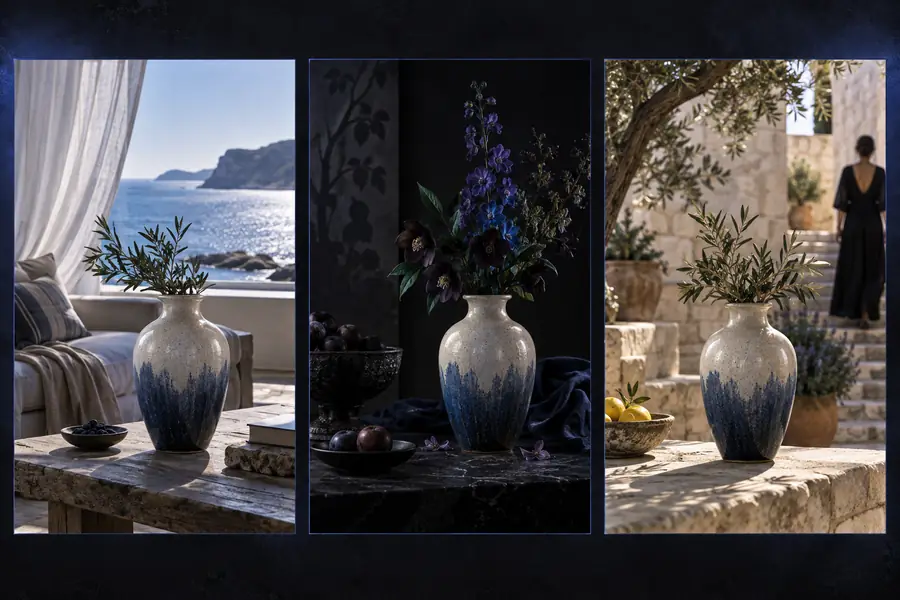
Drag the divider to compare the shared framing. Check the glasses' shape, reflections, and nearby edges rather than judging similarity from color alone.
ReferenceVariationChoose a starting image, then write a prompt that separates features to preserve from features to vary. The right reference depends on your intended output.
Start with a portrait and keep the face framing while exploring a different illustrated look.
For a character-focused result, convert image to ai avatar explains how a portrait becomes a stylized avatar.
convert image to ai avatarUse a rough visual as the basis for a more developed scene without tracing its pixels.
An ai image generator from image uses the reference to guide a new draft.
ai image generator from imageKeep the reference composition but specify a new material, season, or lighting setup in words.
The guide to what is ai image to image from text shows how written directions affect an existing image.
what is ai image to image from textDraw on two source pictures when one reference cannot convey both the subject and setting.
The walkthrough on how to combine 2 images in AI? covers the separate task of blending references.
how to combine 2 images in AI?Treat each similar image as a draft. A short comparison is more reliable than assuming the prompt preserved everything.
Before generating, name two or three features that must remain recognizable, such as subject position, silhouette, and camera angle. Avoid asking for an exact copy.
Compare the output against the reference at full size. Look for shifted anatomy, invented objects, altered logos, and text that only appears correct at thumbnail size.
If the result drifts, describe the lost feature more precisely and change one variable at a time. Keep the original available so you can judge whether the next variation improves.
Upload an image you may use, say what should remain recognizable, and describe the change you want. Generate a similar image, then check the output against your source before using it.
Create similar imageUse an image you have permission to upload as the reference. In your prompt, identify the composition or subject features to keep and describe the changes you want; then inspect the generated result beside the original.
Describe stable features such as the viewpoint, crop, and subject position before naming the new style. Generation can still move details, so compare the output with the reference and revise the prompt if the framing drifts.
Image generation interprets a reference rather than copying its pixels. Fine patterns, text, hands, and accessories can be redrawn, so check those areas closely and do not rely on an output for exact reproduction.
Use a picture only when you have the rights or permission needed for your intended use. If you do not, make or choose a reference you are allowed to upload rather than requesting a near-copy of someone else's work.