Portrait transformation

How to convert image to ai avatar

Use a photo as the reference, then describe the avatar style you want. Ai Image To Image helps you turn a recognizable portrait into an illustrated, game-inspired, or polished profile image without starting from a blank canvas.

Review the result before using it

What this variant is

An avatar transformation uses your existing photo as a visual reference rather than asking a model to invent a person from text alone.

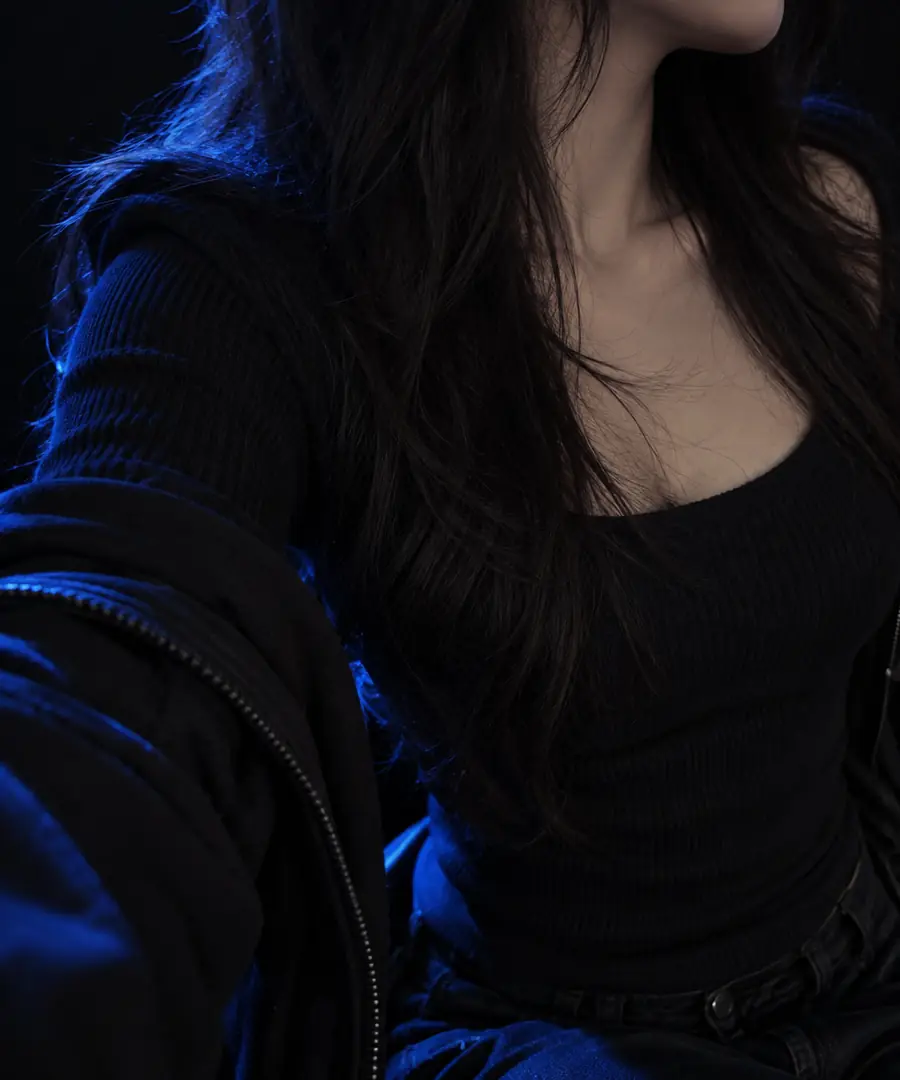
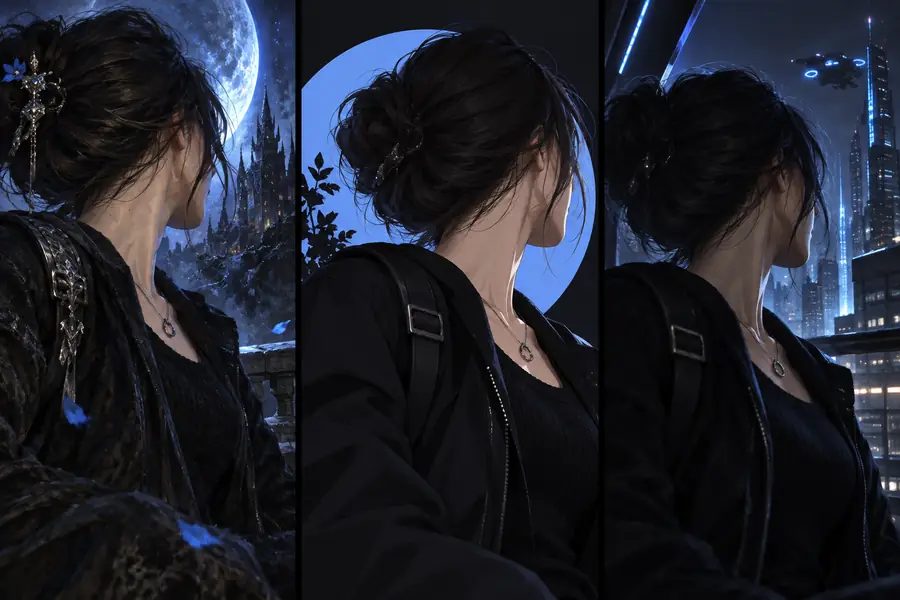
Original portrait used as a reference for a stylized result Art-styled portrait showing how an avatar can reinterpret a reference image Reference photo Styled result

Drag the divider to compare the source with the restyled image. An avatar may preserve visible features while changing texture, color, and background; resemblance is not guaranteed.

Reference photoStyled result

Why turn a photo into an avatar

A reference gives the model concrete features to work from. The prompt tells it which of those features matter and which parts can change.

Profile photo owner

You want a distinctive portrait without losing your hairstyle or glasses.

Start with a clear face photo and request a restrained illustration. An ai image generator from image can also explore broader visual treatments using that same reference.

ai image generator from image

Character designer

You have a face reference but need several possible character directions.

Keep the face description consistent while changing clothing and art style. The guide how can I generate an image similar to another image? explains how to pursue a related result without expecting an exact copy.

how can I generate an image similar to another image?

Prompt-first creator

You know the look you want but are deciding whether to upload a portrait.

Use a photo when identity matters; use text for an invented character. What is ai image to image from text describes the different roles of a reference and written instructions.

what is ai image to image from text

The tool block: input and avatar specs

These choices affect what an ai image to image transformation can preserve. Use the comparison to decide whether a photo-led avatar fits your goal.

Photo-led avatar
Text-only character

Starting point

Photo-led avatar

An existing portrait

Text-only character

A written description

Face reference

Photo-led avatar

Visible features in the uploaded image

Text-only character

Features described in words

Best for

Photo-led avatar

A stylized version of a real person

Text-only character

An original fictional identity

Prompt focus

Photo-led avatar

Style changes and features to retain

Text-only character

Appearance, composition, and style

Background control

Photo-led avatar

Describe a replacement or ask to retain it

Text-only character

Describe the entire scene

Identity consistency

Photo-led avatar

Can follow the photo, but may drift

Text-only character

No photographic identity to preserve

Limits behind the spec table

An ai image to image result is an interpretation, not a faithful redraw. Check the output before using it as your public avatar.

It cannot promise an exact likeness

Small facial details may change even when the overall portrait feels familiar.

Workaround

Name two or three identifying features in your prompt and compare each result with the source.

It cannot recover hidden details

A cropped face or covered hairstyle gives the model little evidence for those areas.

Workaround

Choose a well-lit reference that shows the features you want to keep.

It cannot verify permission

The tool cannot determine whether you have the right to transform someone else's photo.

Workaround

Use your own image or obtain permission from the person pictured.

Make the avatar in three passes

Keep the first ai image to image prompt specific, then revise only the parts that need work.

  1. 1

    Choose a clear portrait

    Use a photo with a visible face and even lighting. Avoid heavy filters if you want recognizable features.

  2. 2

    Describe style and anchors

    Name the visual style, background, and features to preserve, such as face shape, hair, or glasses.

  3. 3

    Inspect and refine

    Check likeness, hands, accessories, and cropped edges. Adjust one instruction at a time if the avatar drifts.

Create an avatar from your photo

Give your portrait a new style

To convert image to ai avatar, start with a photo you can use and a prompt that separates the features to keep from the style to change. Compare the result with your reference before sharing it.

Create my avatar
  • Start with a visible face
  • Specify the style and defining features
  • Review the result for likeness

Avatar variant FAQ

Yes, a selfie can serve as the reference if the face is clear and well lit. A straightforward angle gives the model more visible information than a heavily filtered or partly obscured photo.

Ask the model to retain a few distinctive, visible features, such as your hair shape, glasses, or facial hair. Review the output against your photo, because ai image to image generation can still alter facial details.

Yes. Describe the cartoon style you want and state which features should remain recognizable; a broad request such as “make it a cartoon” leaves more room for interpretation.

A photo is useful when the avatar should resemble a particular person. If you want an entirely invented character, a detailed text description may be a better starting point.

Start creating
Start creating