Profile creator
You have a portrait but want an illustrated profile image.
Keep recognizable features while changing the rendering style; inspect facial details before using the result.
convert image to ai avatarImage-led creation
Start with a photo, sketch, or product shot instead of a blank canvas. Your image gives the generator a visual reference; your prompt describes the result you want.
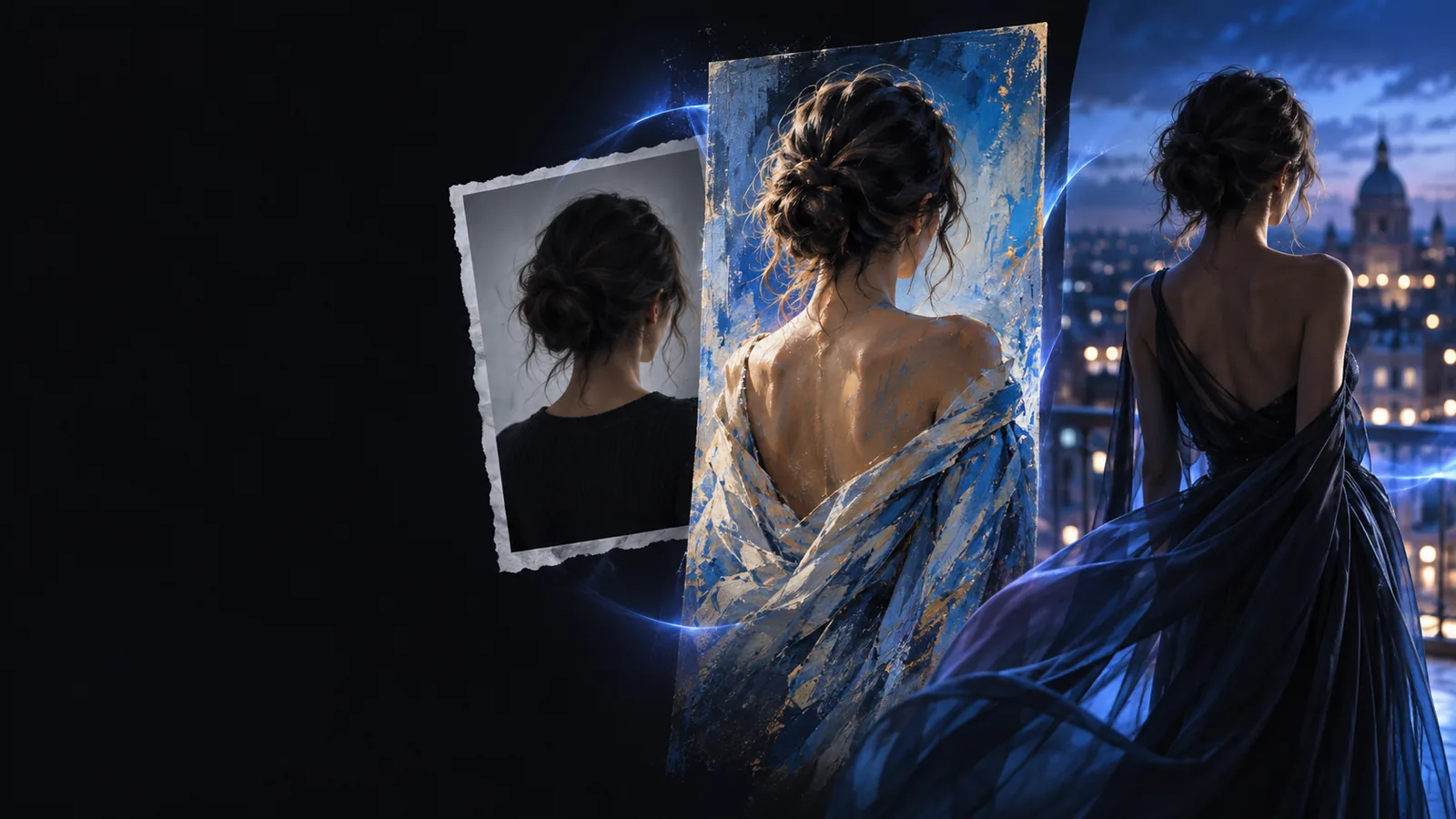
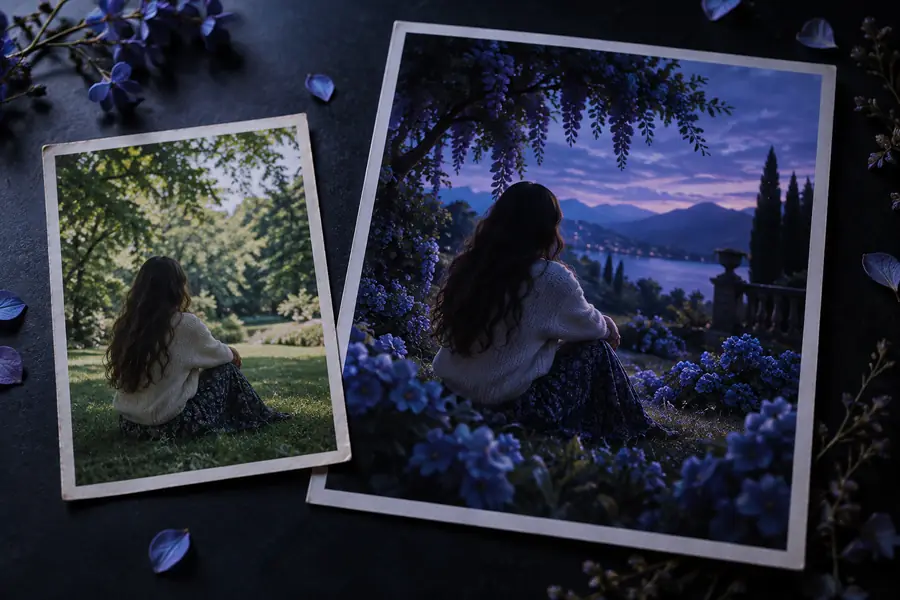
A source image supplies the subject and framing. The new output can change its setting, lighting, or style without requiring you to describe every visible detail.
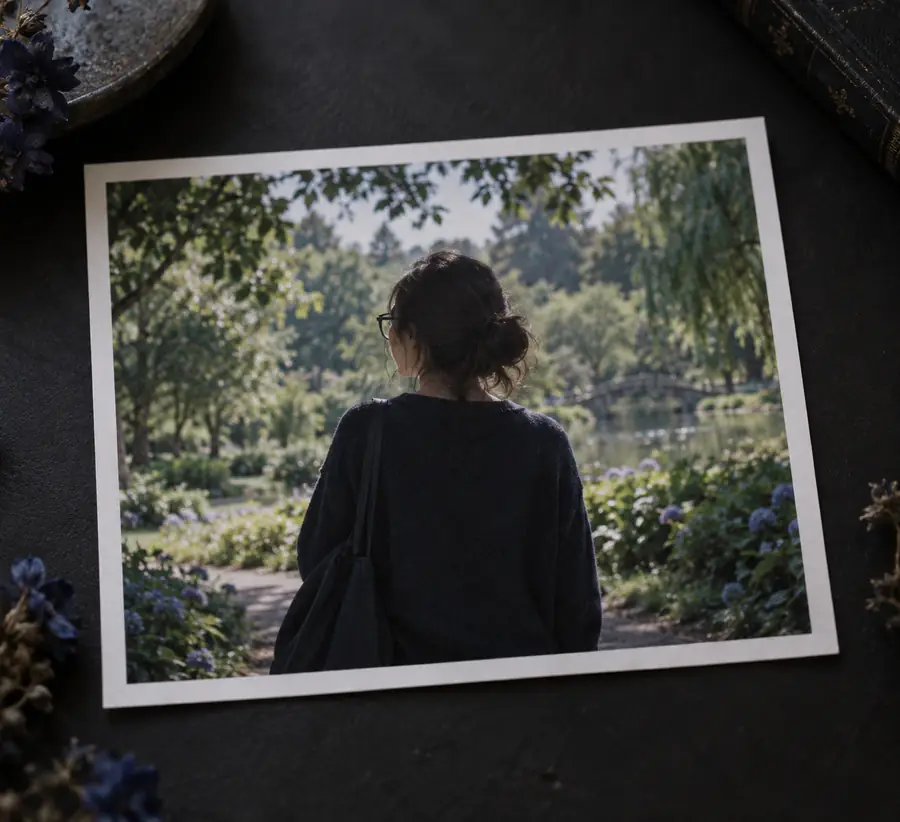
 Source image
Generated result
Source image
Generated result
Drag the divider to compare the subject and framing with the changed surroundings. A generated result may still alter small details.
Source imageGenerated resultThe choice is not just about speed. A source gives the generator visual information that a written description might leave ambiguous.
Starting material
Text-only starting point
A written description
Image plus prompt
An existing photo, sketch, or illustration
Subject appearance
Text-only starting point
Must be described in words
Image plus prompt
Visible in the source, though not guaranteed to remain identical
Composition
Text-only starting point
Specified through prompt language
Image plus prompt
Can take cues from the source framing
Style direction
Text-only starting point
Defined by the prompt
Image plus prompt
Can follow the source or change through the prompt
Best starting point
Text-only starting point
An idea with no existing visual
Image plus prompt
A visual you want to reinterpret or extend
Main thing to inspect
Text-only starting point
Whether the result matches your description
Image plus prompt
Whether important source details survived the change
The same input can support different goals. Pick the outcome first, then say which features the generator should preserve.
You have a portrait but want an illustrated profile image.
Keep recognizable features while changing the rendering style; inspect facial details before using the result.
convert image to ai avatarYou like a composition and need another interpretation of it.
Describe the framing and mood to retain, without expecting a pixel-matched copy.
how can I generate an image similar to another image?You have a rough sketch and a precise scene description.
Let the sketch guide placement while text supplies materials, lighting, and atmosphere.
what is ai image to image from textYou want elements from two references in one scene.
Decide which reference controls the subject and which supplies the setting before generating.
how to combine 2 images in AI?Treat the first result as a draft. A clear request makes it easier to judge what changed and what needs another pass.
Use an image with a clear subject and enough visible detail for your goal. Avoid sharing private or sensitive images.
Name the intended result and the details to keep: for example, retain the product shape and viewpoint while changing the background.
Compare the output with the source. Look closely at faces, text, hands, edges, and product details that must remain accurate.
Need a narrower workflow? These pages focus on editing controls, lifelike results, and examples of image-led changes.
Choose a source you are comfortable sharing, describe one clear change, and compare the output against the original. If an important feature shifts, revise the instruction and try again.
Generate from imageIt starts with an existing visual, such as a photo, drawing, or product image, alongside a written instruction. The visual can guide the subject and composition while the instruction describes the change.
Not necessarily. Even when you ask to preserve a subject, small features can shift, especially faces, lettering, and fine product details. Compare the result with the source before relying on those details.
Yes, a sketch can provide a starting composition or silhouette. Explain what the sketch depicts and specify the finish you want, such as realistic materials or a particular illustration style.
State what should stay first, then describe the change. For example, keep the subject and viewpoint but change the setting and lighting. If the result drifts, narrow the request rather than adding unrelated instructions.