Artists and illustrators
They can test how a sketch reads in another medium or color palette. The output is a concept to evaluate, not a replacement for decisions about anatomy, consistency, or authorship.
Plain-language guide
AI image to image uses an existing picture as a starting point for a new one. A free version lets you try that process without paying, though available features and limits depend on the tool.
4 min read
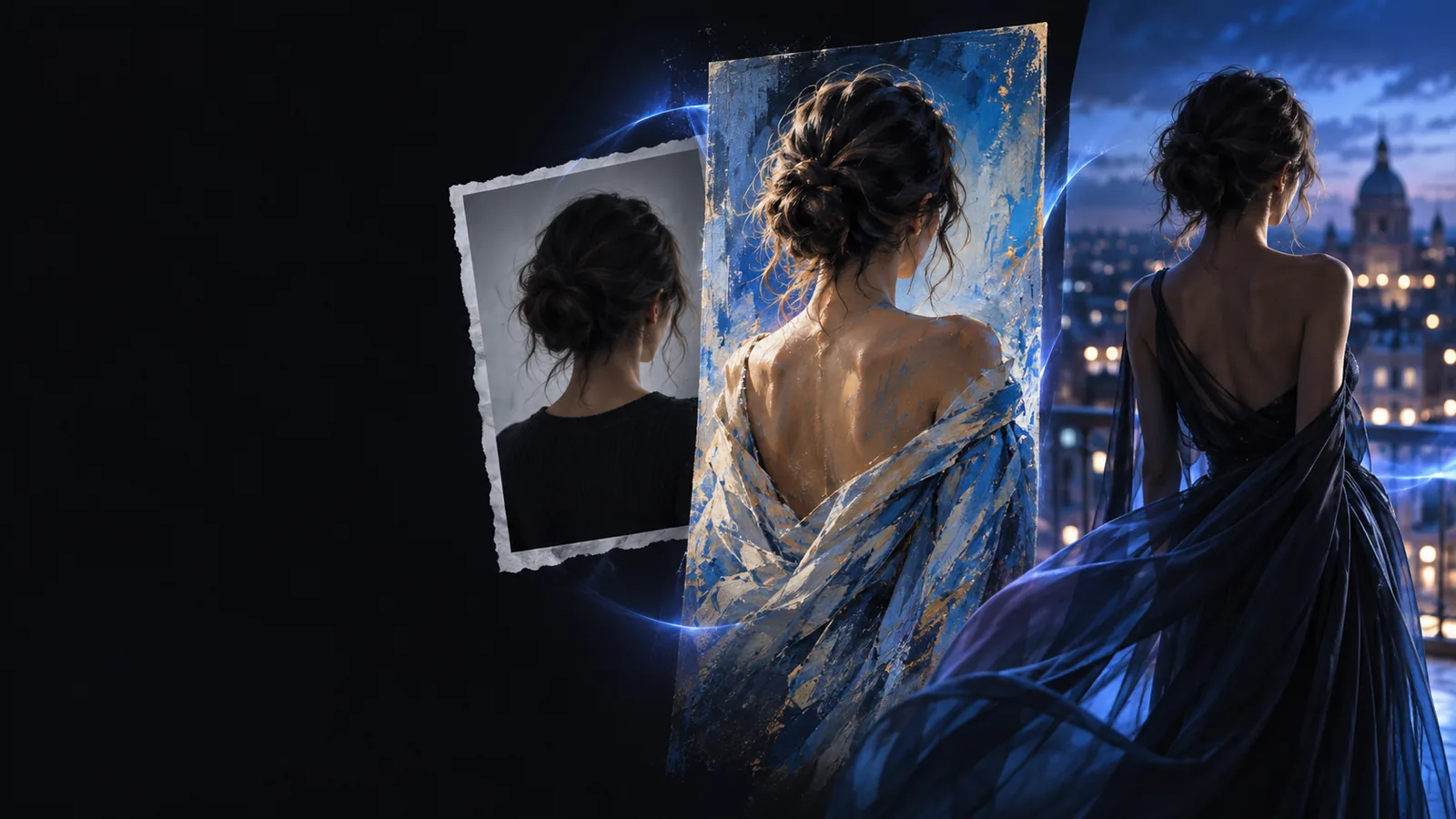
AI image to image generates a new image using an uploaded picture as visual guidance, often alongside written instructions. It is a transformation method, not a promise to preserve every detail.
The source supplies visual context; your instructions describe the change. The generator then produces a new image rather than editing the original file in place.
Start with a photo, sketch, or illustration that shows the subject or composition you want to carry forward. A clear source gives the model more useful guidance than an ambiguous one.
Ask for a specific transformation, such as turning a daytime street scene into a rainy evening illustration. Name details that matter, but do not assume every detail will survive.
Compare the result with the source. If the subject drifts or an important feature changes, revise the instruction or try a different source image.
These guides cover the practical steps and common variations once the basic definition is clear.
AI image to image is useful when you want a variation, not when every pixel must remain under precise manual control.
Choose this when
Choose image-guided generation.
The source can retain a recognizable subject or broad composition while the prompt steers the new look. Several attempts may be needed to find a convincing result.
Choose this when
Use a precise editor or check and correct the generated image afterward.
Generation can alter small features, lettering, and identity. A plausible-looking result is not proof that those details are accurate.
Today's AI image to image tools build on years of research into transferring visual properties and generating images from learned patterns.
Researchers showed how neural networks could combine the content of one image with the visual style of another. It established a familiar idea: keep some visual information while changing how an image looks.
The pix2pix research project demonstrated learned transformations between paired image types, such as sketches and corresponding photographs. Its workflow differed from today's general-purpose prompt-driven tools.
Work combining image generation with text-image models made written descriptions a more prominent way to steer visual results, although workflows were often technical and inconsistent.
Public diffusion-model workflows brought source-image transformations to a broader audience. Uploading an image and describing a change became a recognizable tool pattern.
The essentials are simple, but a little preparation makes results easier to judge.
Without every one of these the route does not run.
A source image you have permission to use
Avoid uploading private or sensitive pictures unless you understand the tool's handling of them.
A short description of the desired change
Specify the new style or setting and identify anything important to retain.
Skip any of these and the route still works — they only make it faster.
A reference for comparing the output with the original
Keep the source available so you can spot changed details.
A willingness to revise the prompt
A second, more focused instruction can be more useful than a long first prompt.
People use AI image to image for visual exploration across different kinds of work. The generated result still needs a human review before it is shared or relied on.
They can test how a sketch reads in another medium or color palette. The output is a concept to evaluate, not a replacement for decisions about anatomy, consistency, or authorship.
They can explore an alternative atmosphere for an existing scene. If factual accuracy matters, they should treat changed objects and backgrounds as inventions, not corrections.
They can compare visual directions for a draft composition. Text, branding, and product details should be checked separately because generation may redraw them.
Choose a source you can share, describe one clear change, and compare the new result with the original. That comparison is the quickest way to understand what image-guided generation keeps—and what it invents.
Try an image transformationIt means a tool offers some way to make an image-guided transformation without payment. Free access does not, by itself, tell you which features are available or whether usage is limited, so check the tool's current terms before relying on it.
Yes. A source image is what distinguishes this workflow from generating an image using text alone. You may also add a prompt to explain which parts should change.
Not necessarily. The model uses the source as guidance and can change details even when you ask it to preserve them. Compare the output carefully if a face, object, or layout must stay recognizable.
No. A conventional editor lets you make targeted changes to an existing file, while image-to-image generation creates a new interpretation of it. The two can work together when a generated concept needs precise finishing.
That is a common use of image-guided generation: the sketch supplies structure while the prompt describes the desired appearance. Results vary with the source and tool, so expect to review and refine the output.